
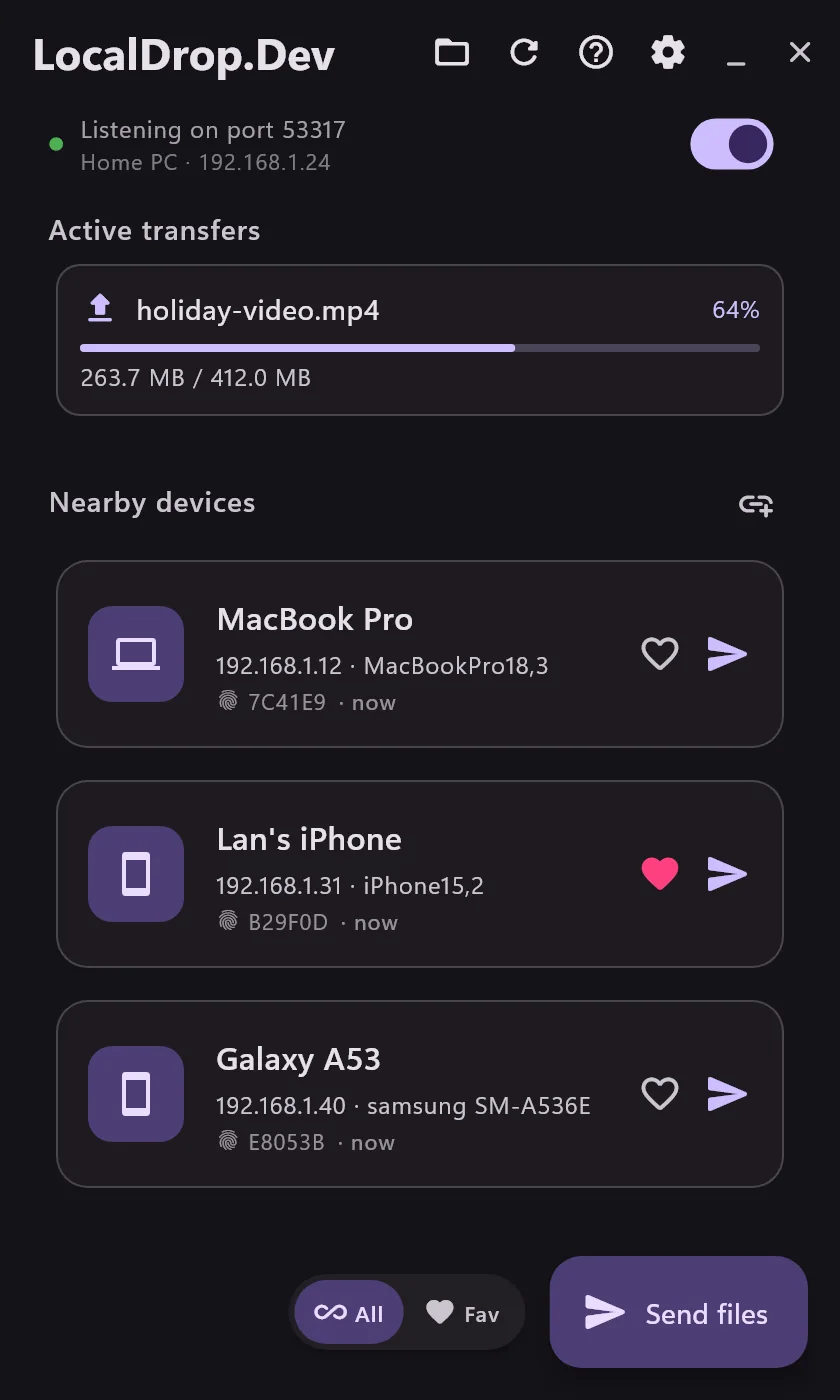
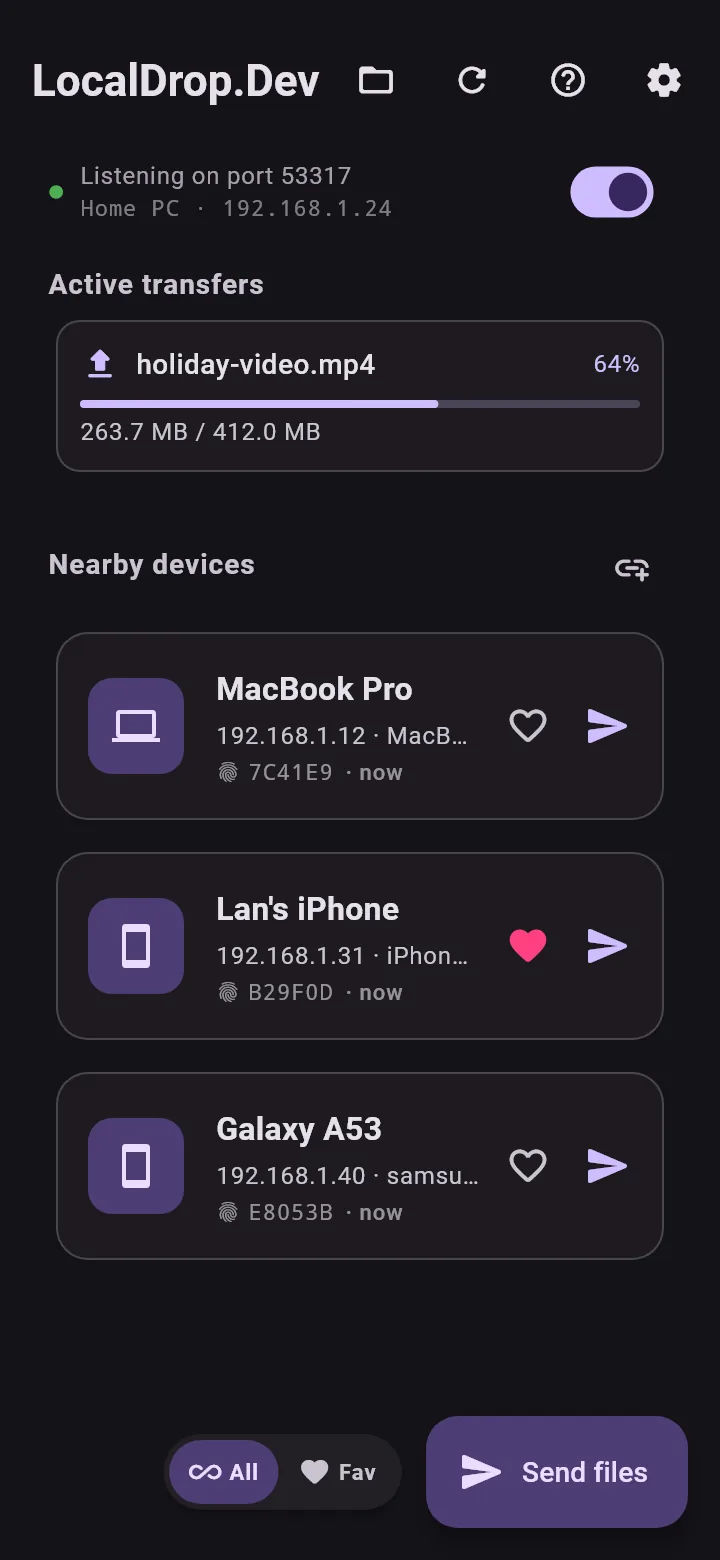
Send files between your computer and phone, in a single click.
Devices on the same Wi-Fi send files straight to each other, as fast as your network allows. No cloud, no account, no size limit.
Built into your system,
no need to open the app.
On every platform, LocalDrop shows up right where you already open and share files.
- Right-click a fileIn File Explorer, select one file or many.
- Send via LocalDropPick the receiving device, or several devices to send to all of them at once.
- DoneThe other side taps Accept and the file is saved to the LocalDrop folder.
- Right-click in FinderOr open the Services menu in any app.
- Send via LocalDropPick the receiving device. LocalDrop waits in the menu bar.
- Drag and dropDrag received files straight into Slack, Mail or any chat.
- Tap Share in any appPhotos, videos, files, or the text you have selected.
- Choose LocalDropOr tap the floating button to send without leaving the app you are in.
- Pick the receiving deviceYour computer gets it right away, even files of several GB.
- Tap ShareIn Photos, Files or Safari.
- Choose LocalDropOr press and hold the app icon to send text, send a file or take a photo.
- Pick the receiving devicePhotos arrive at full original quality.
Capture, record, edit and send
in one app.
What used to take three or four apps now takes one shortcut.
Screenshots you can mark up
Press a shortcut to capture a region, a window or the whole screen. Add arrows, text and numbers, blur private details, crop, then send it at once or copy it to paste.
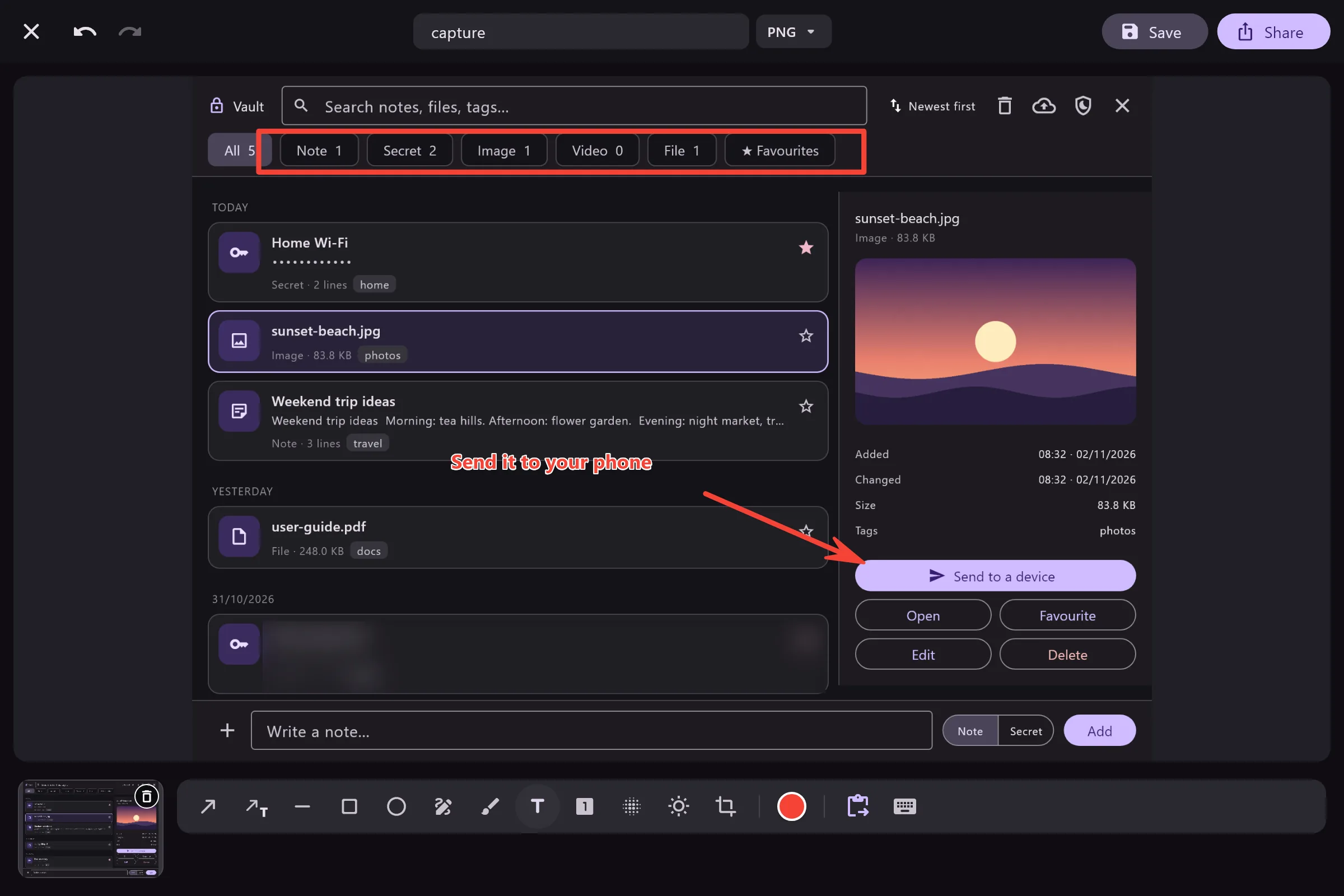
Shortcuts everywhere
Capture or record without opening the app window.
Send once, to several devices
Pick several devices and send to all of them at once. Mark favourites, block strangers, and add a device by IP address when the network blocks discovery.
Send text and links
It lands on the other device's clipboard, ready to paste.
Screen recording and video editing
Record with your computer's sound and your microphone. Trim, join clips, add music or a voice-over, then compress the video to the size you need.
Auto-accept from your devices
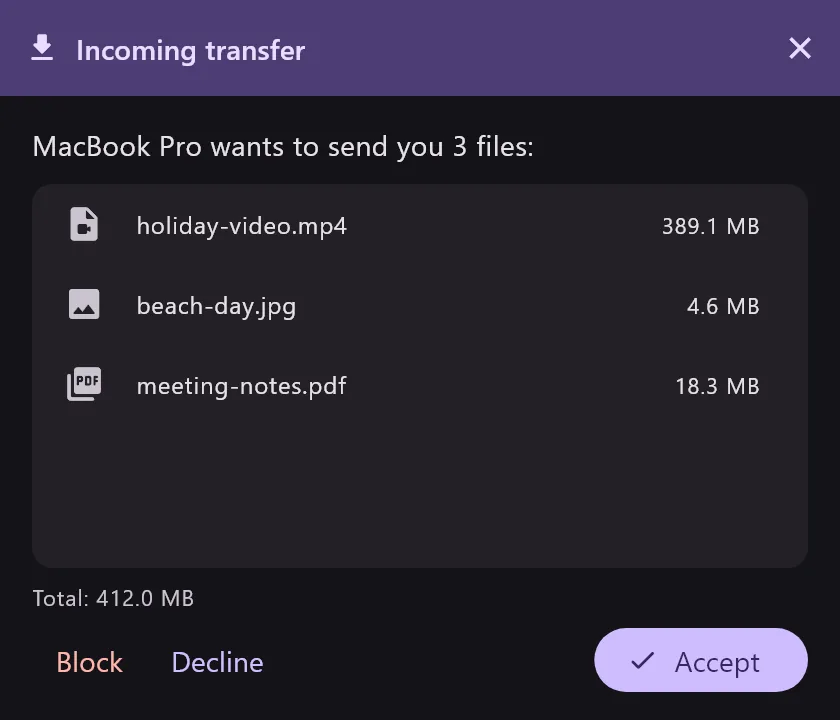
Turn on Quick Save and files from your own devices go straight to the folder, no Accept needed.
Drag straight into other apps
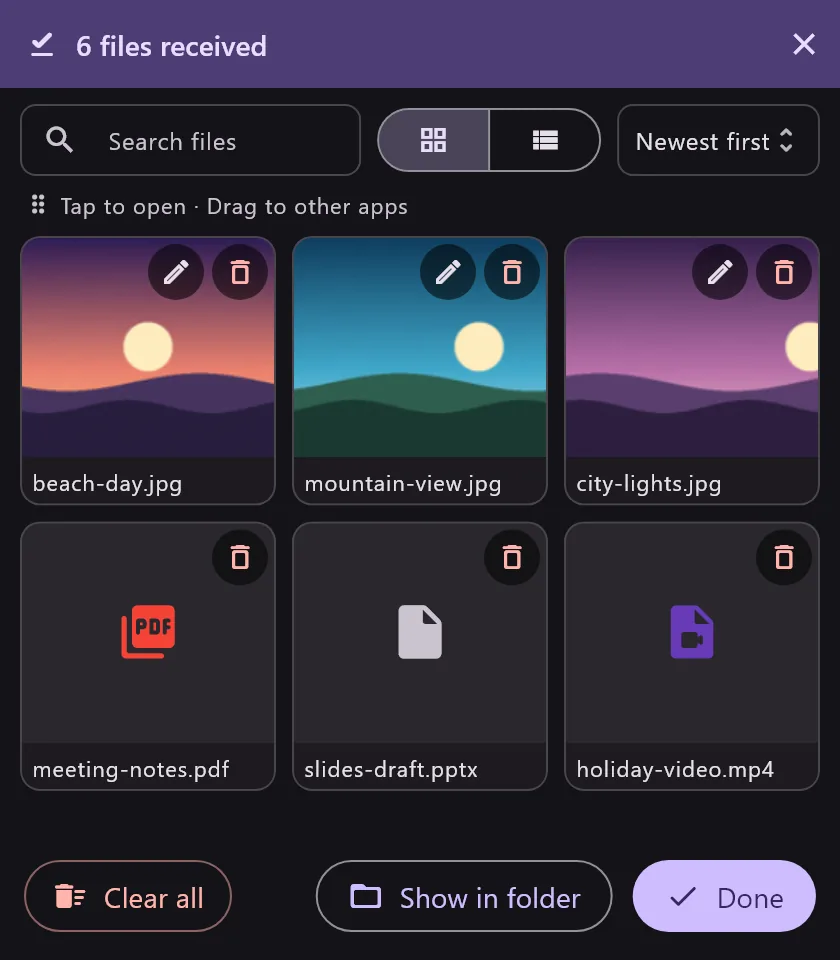
Files you receive appear in a small window. Drag them into Slack, Mail or any chat.
Your files only travel between your devices.
No middleman server, no account, no data collection. Read the privacy policy
Free on every platform.
Install LocalDrop on the devices you want to send and receive with. They find each other on their own.
On a Mac, the Mac App Store version updates itself. The DMG is there if you prefer to manage the install yourself.
Questions
Is LocalDrop free?
Yes. LocalDrop is free on every platform, with no ads and no paid plan. Its source code is public under the GPL-3.0 license.
Does it need the internet?
No. Your devices only need to share a Wi-Fi or wired network. The internet is used only to check for updates, or for Google Drive backup if you turn it on.
Do my files go through a server?
No. Files go straight from the sending device to the receiving one on your network, encrypted all the way.
How is it different from AirDrop?
AirDrop only works between Apple devices. LocalDrop sends between Windows, Mac, Android and iPhone, and adds screenshots, screen recording and editing.
What if two devices cannot see each other?
Check that both are on the same Wi-Fi. Some office or hotel networks block discovery; then add the device by its IP address in Settings.
Getting started takes less than a minute.
Install the app on two devices, open it, and send your first file.
Download free